Author: Jiatong Han

  • W5_Premult and color management

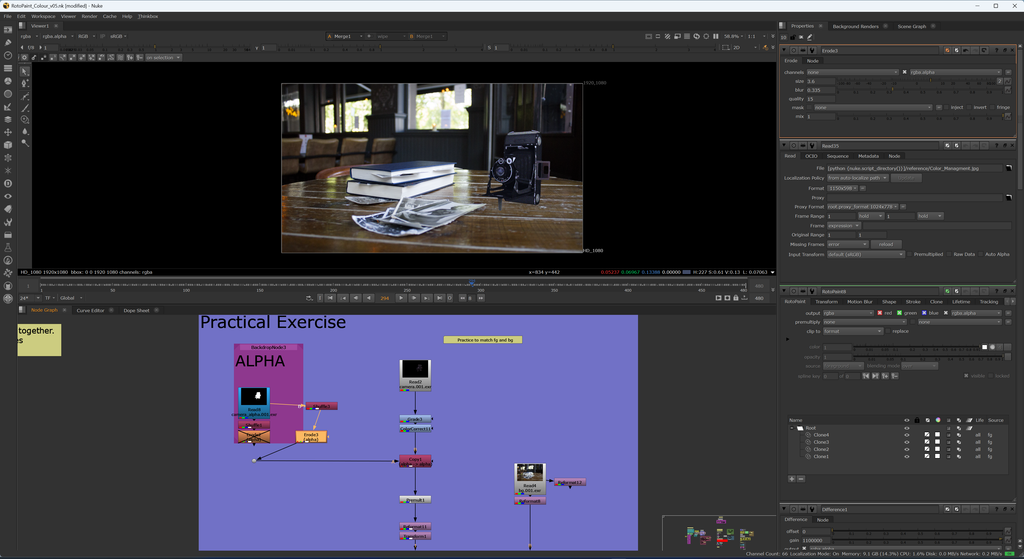
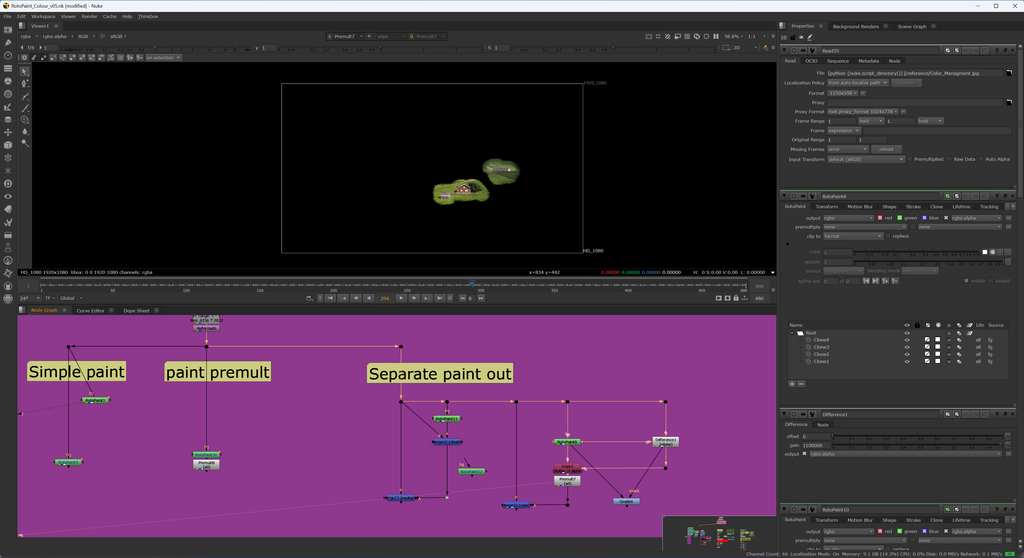
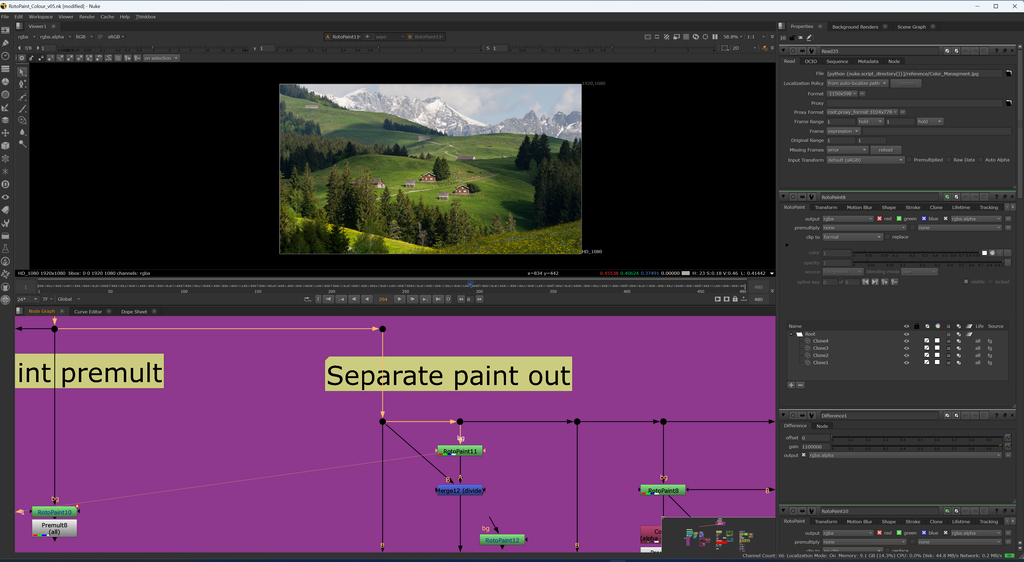
    In this lesson, I learned how Premult and Unpremult work in Nuke, and how to avoid unwanted edges when compositing different elements. I also gained a better understanding of linear workflow, colour spaces, bit depth and colour management. I learned how to set up the Read, Viewer and Write nodes correctly to maintain consistent colours. These techniques will help me improve the quality of my compositing and make CG elements blend more naturally with real footage.

    Homework

    Balloon Festival #2
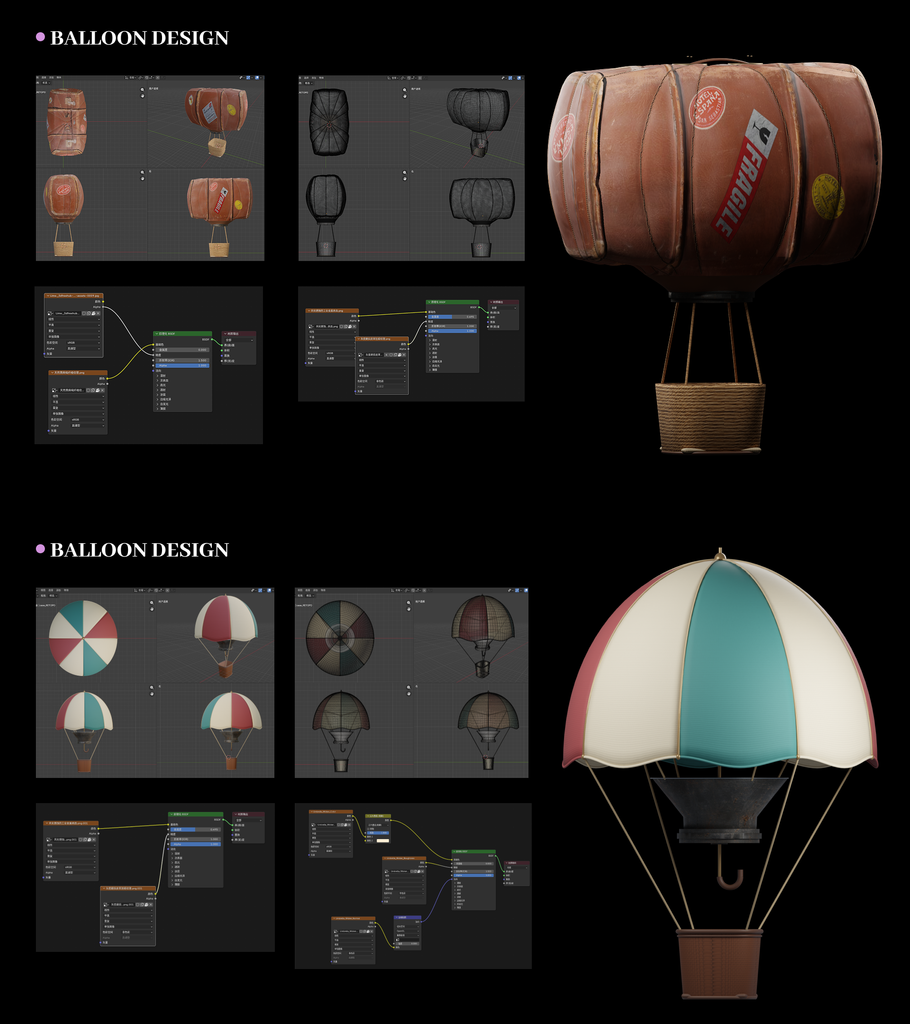
    Based on last week’s concept designs, I modelled two of the hot air balloons and applied materials to them.
  • W4_Rotoscoping

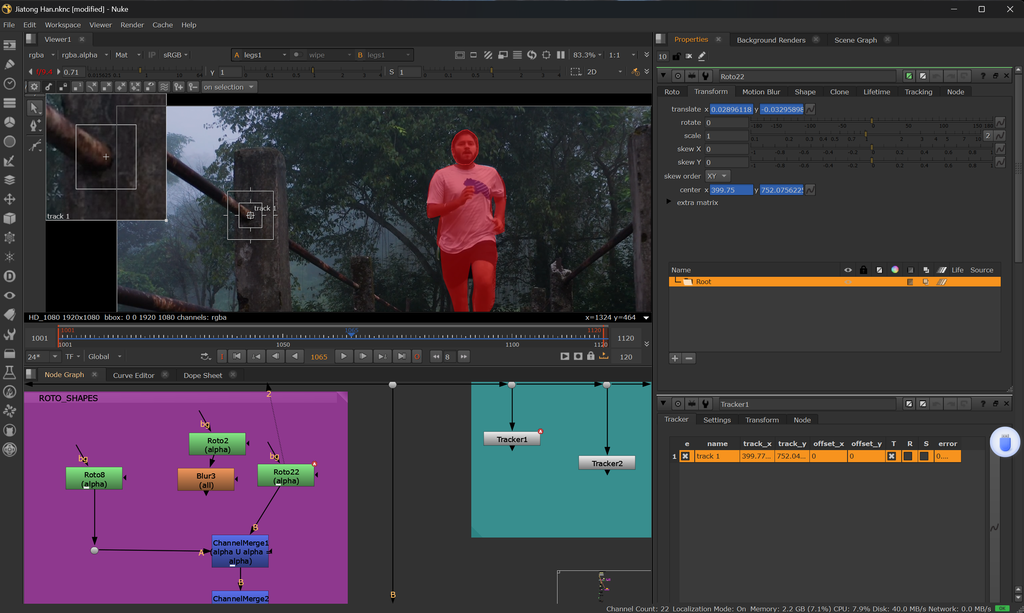
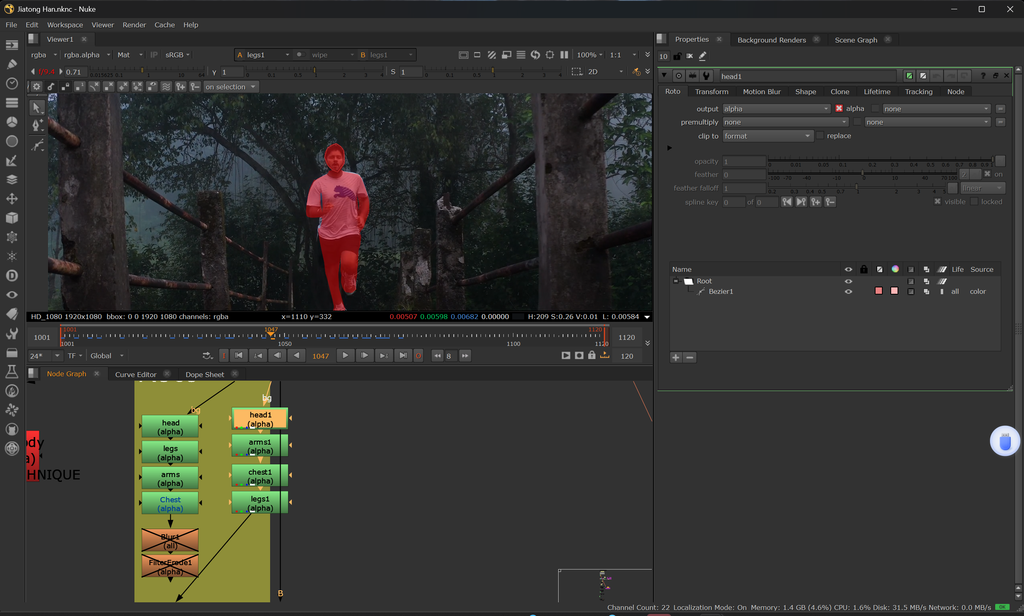
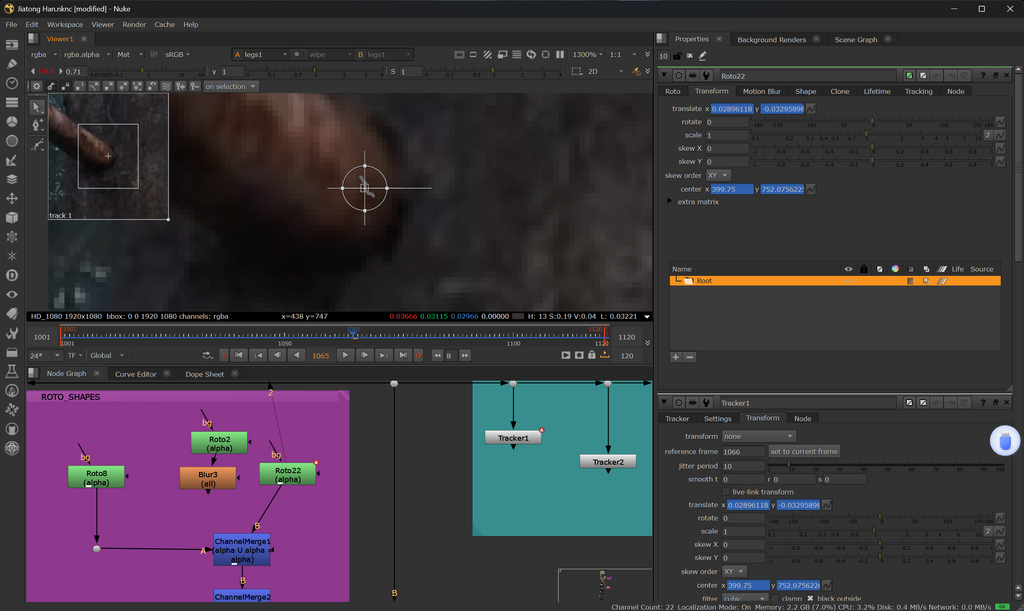
    In this lesson, I learned the basic principles of rotoscoping and how to create masks in Nuke. I gained a better understanding of control points, keyframes, feathering and motion blur. I also learned that separating objects into different shapes can make the process easier and more accurate. I can apply these techniques to my Balloon Festival project to create more natural layers and improve the compositing between the balloons and the mountains.

    Homework

    Balloon Festival #1

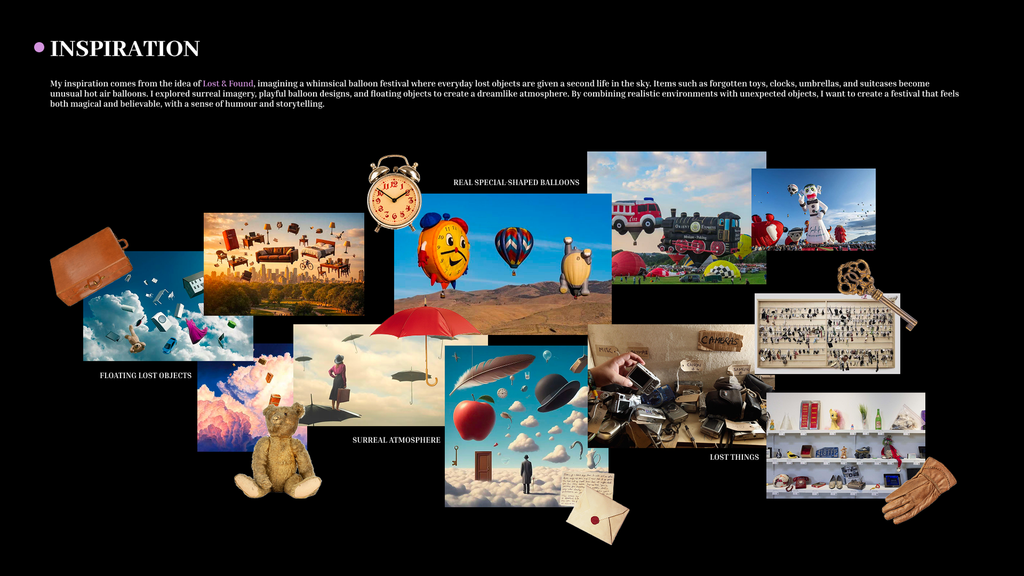
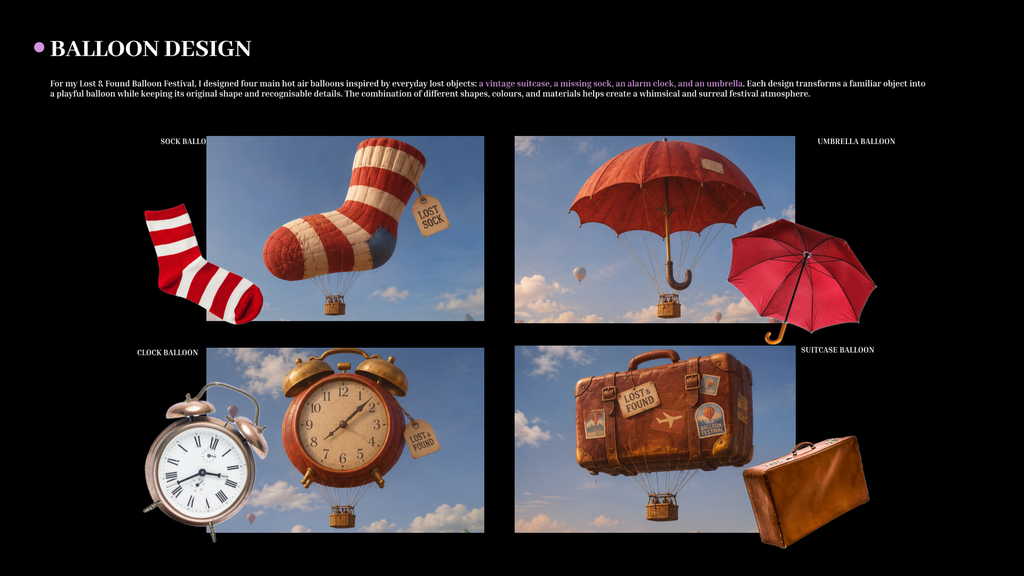
    I designed four main hot air balloons inspired by commonly lost objects: a vintage suitcase, a missing sock, an alarm clock and an umbrella. Each balloon has its own shape, colour and material. I wanted to transform these everyday objects into playful flying creations and create a surreal but believable festival atmosphere.

  • W3_Nuke Intro

    Software for Compositing

    In this lesson, I learned about three main compositing tools: Nuke, After Effects and DaVinci Resolve/Fusion. I understood the differences between node-based and layer-based workflows, as well as the strengths of each software. As Nuke is widely used in the VFX industry, I want to focus on improving my Nuke skills and become more familiar with node-based compositing.

    Digital Compositing & VFX Career Roles

    In this lesson, I learned about the responsibilities of a digital compositor and the different stages of the VFX production pipeline. I also gained a better understanding of different career roles and how compositors combine CG elements with real footage by matching lighting, colour and perspective. This lesson helped me understand the skills I need to develop for my future career in the VFX industry.

  • W2_Cinematography Foundations II

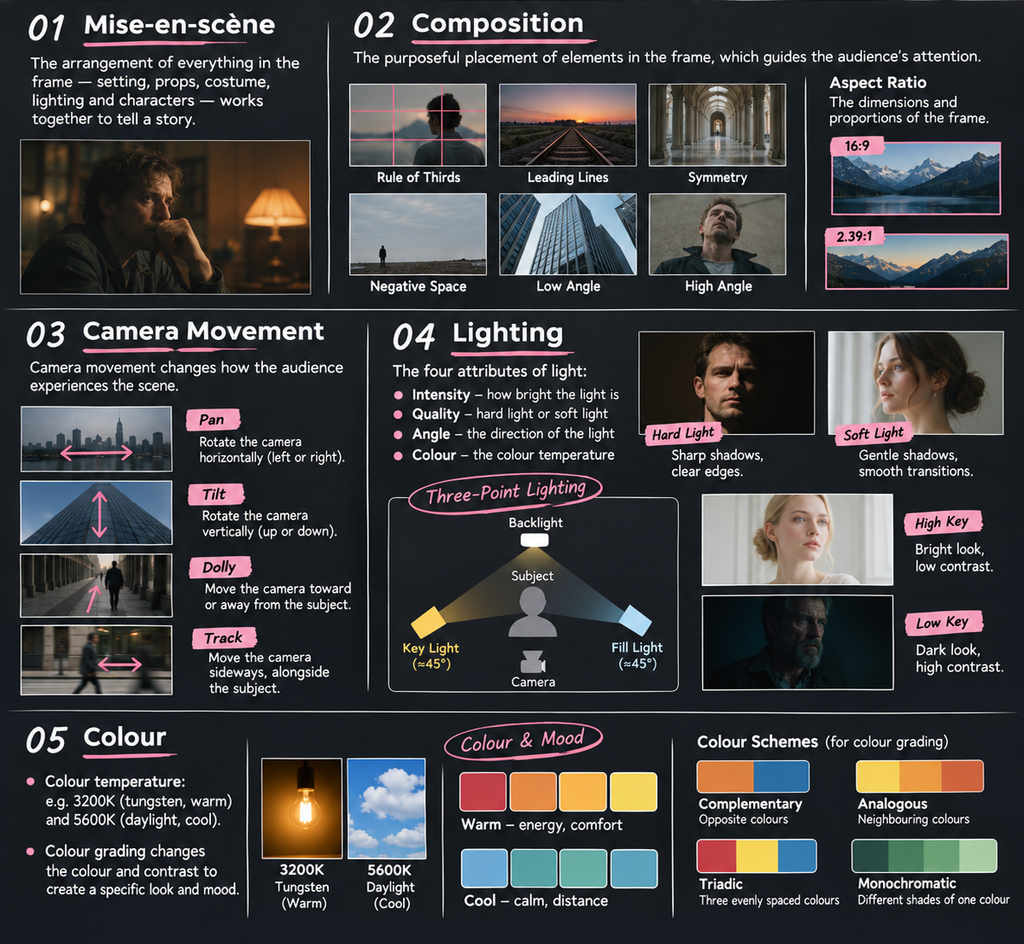
    In this lesson, I learned how composition, lighting and colour can be used to tell a visual story. I gained a better understanding of camera angles, three-point lighting and different colour schemes. I also realised that lighting is not only about making a scene visible, but also about creating atmosphere and expressing emotions. I want to apply these techniques to my future VFX projects, especially when setting up cameras, lighting environments and adjusting the final colour.

    Homework

  • W1_Cinematography Foundations I

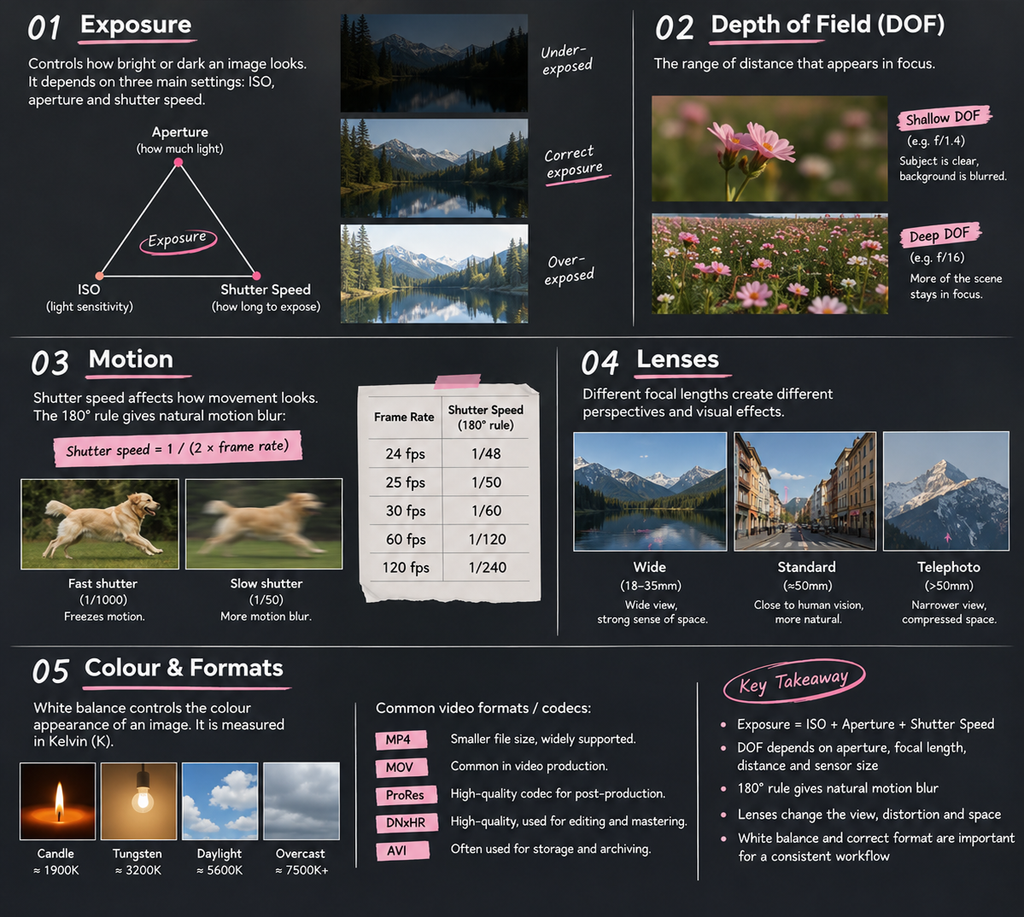
    In this lesson, I learned the basic principles of cinematography, including exposure, depth of field, shutter speed, focal length and white balance. I gained a better understanding of how different camera settings affect the lighting, motion and sense of space in an image. I also learned how important these settings are in VFX, especially when combining CG objects with real footage. In my future projects, I hope to apply this knowledge to improve my camera settings and create more realistic and cinematic scenes.

    Homework

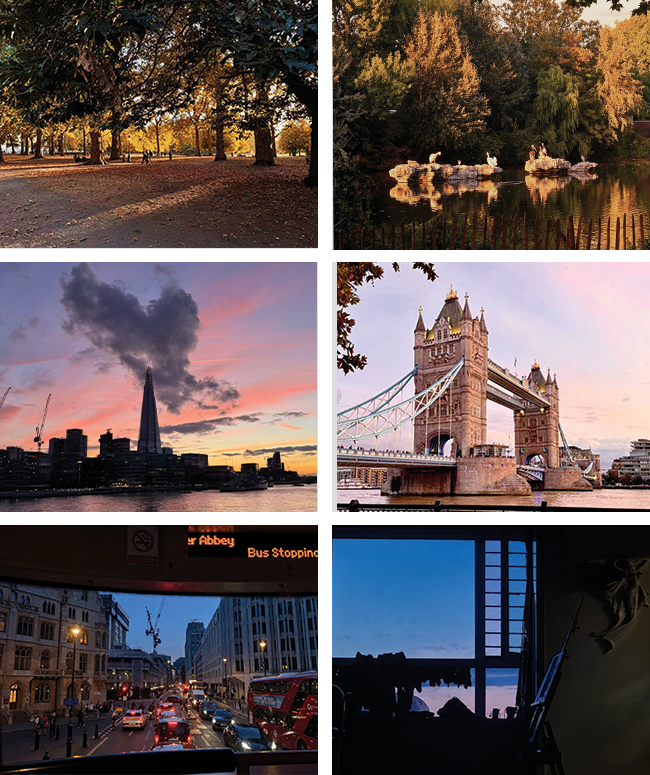
    For this photography exercise, I explored the passage of time through changes in natural light and colour. I focused on different lighting conditions, including blue hour, pink hour and golden hour. Through these six photographs, I wanted to show how the changing light affects the colour, shadows and atmosphere of a scene. This exercise helped me understand how natural light can be used to express time and create different moods.

  • UE Process #3

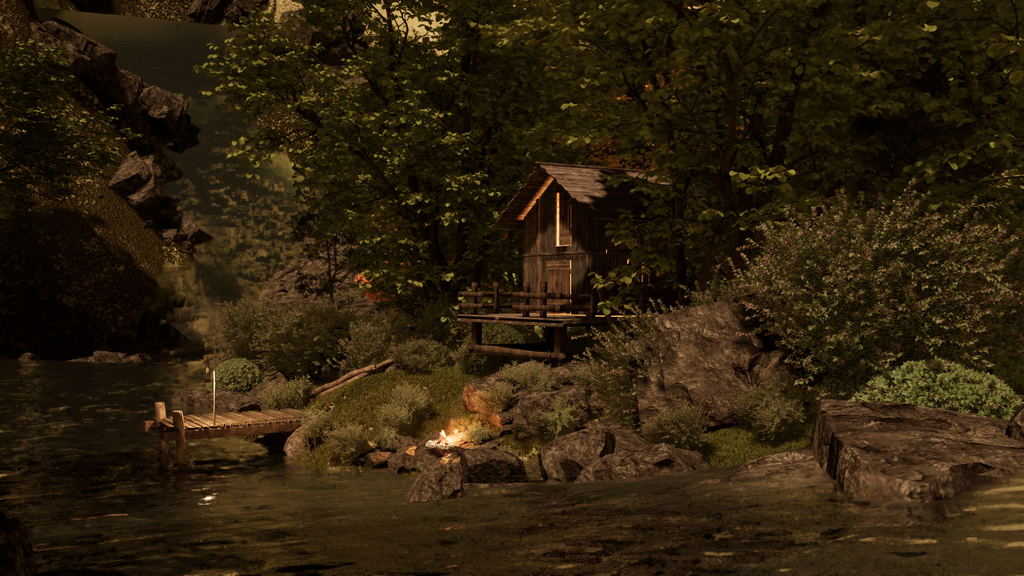
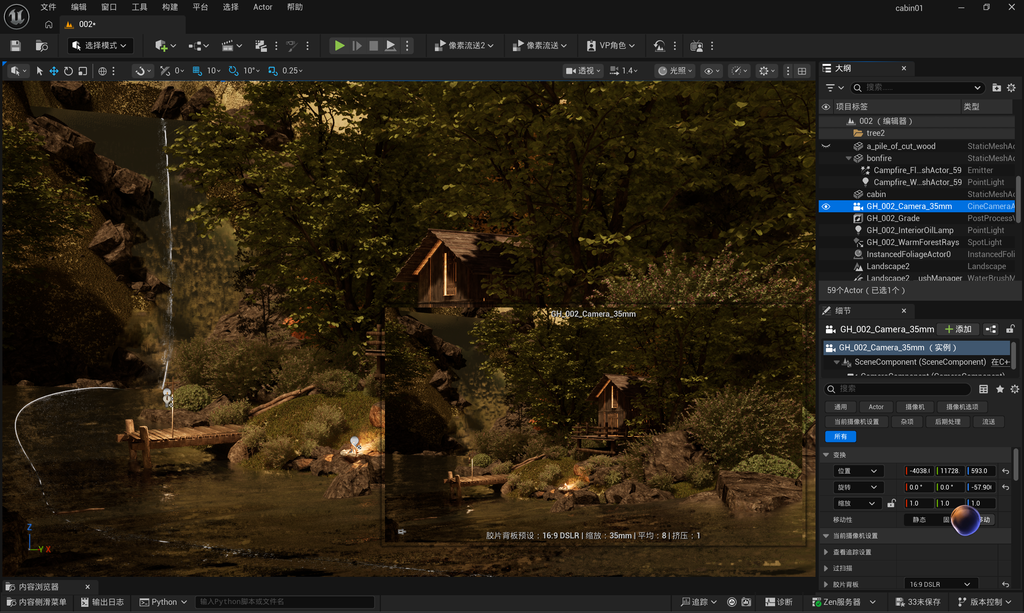
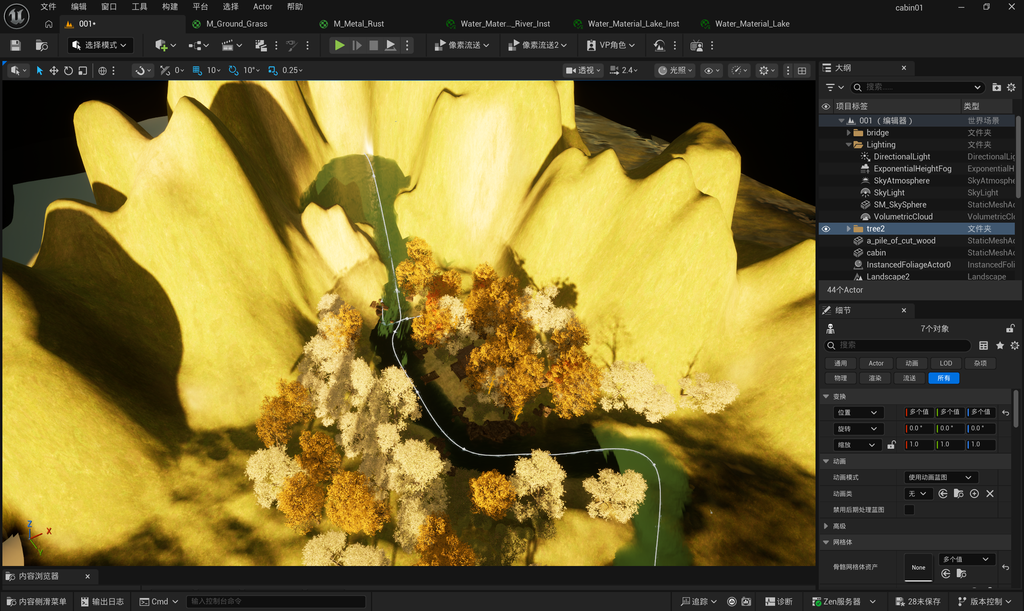
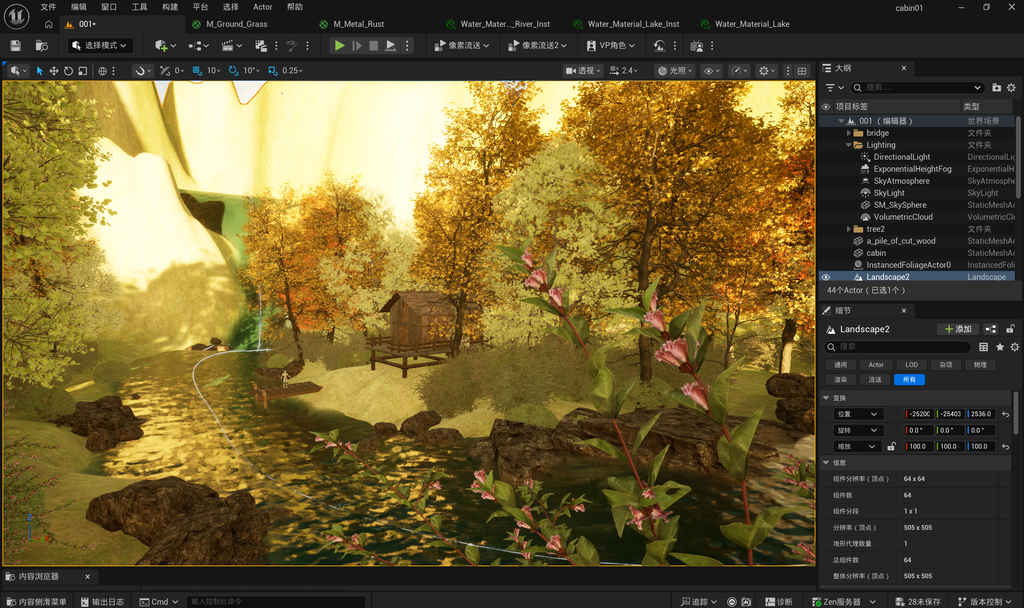
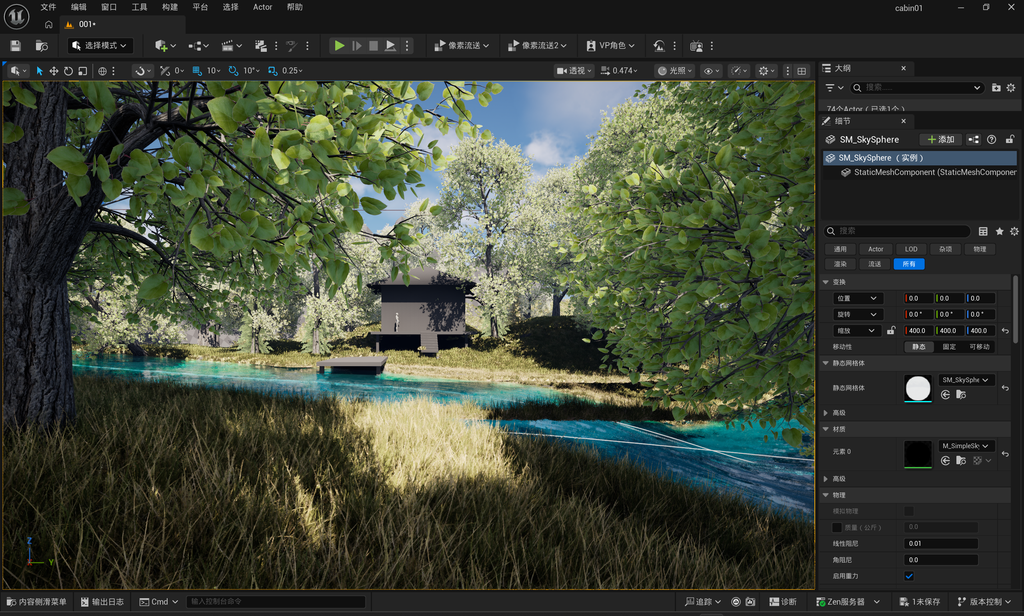
    This week, I focused on refining the atmosphere of the forest cabin scene at dusk. By adjusting the sun’s direction, exposure, skylight, and subtle fog, I gradually developed a dim, golden atmosphere with warm reddish tones. I added a cinematic camera to review the composition and lighting, set up warm light sources for the cabin, dock lantern, and campfire, and introduced animated flames to give the scene a more lived-in feel. I also worked on material issues, including overly green river water and washed-out shrubs, and investigated lighting problems related to Lumen, mesh distance fields, and sunlight blocked by the surrounding terrain.

  • UE Process #2

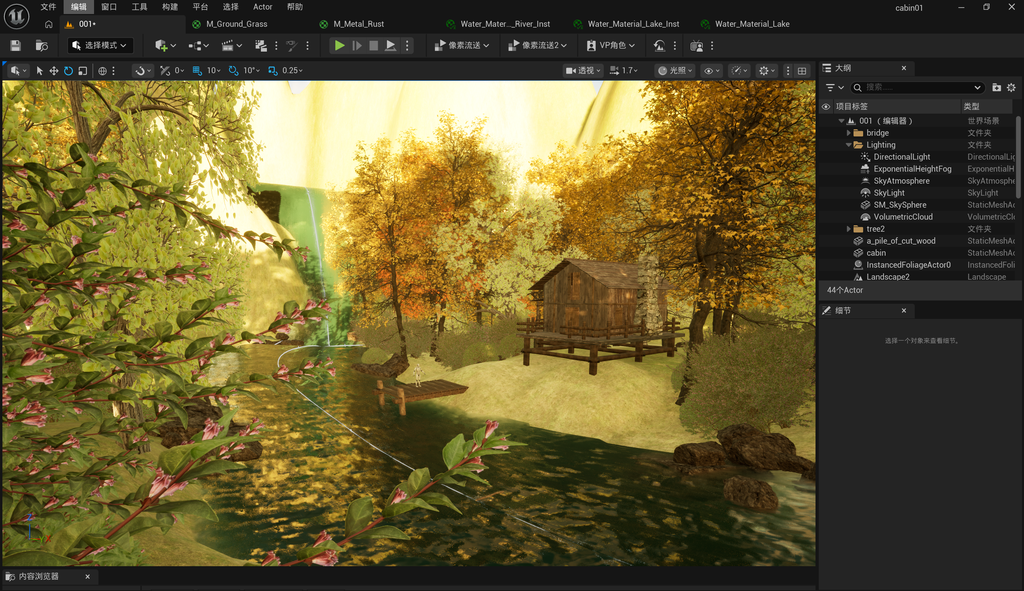
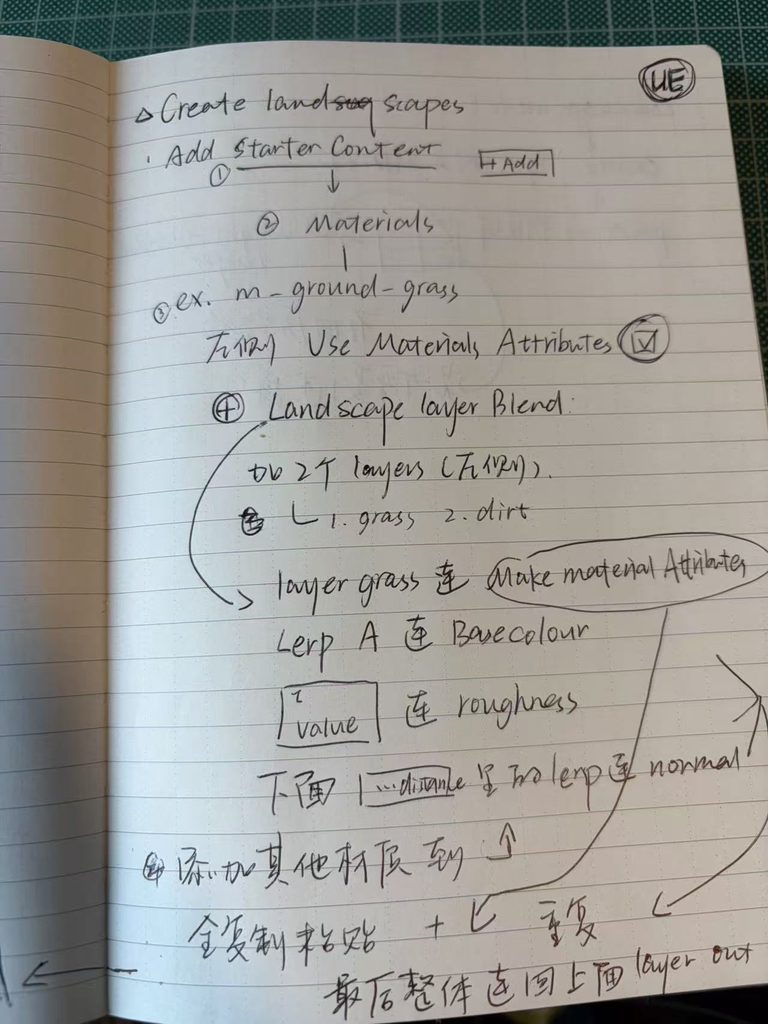
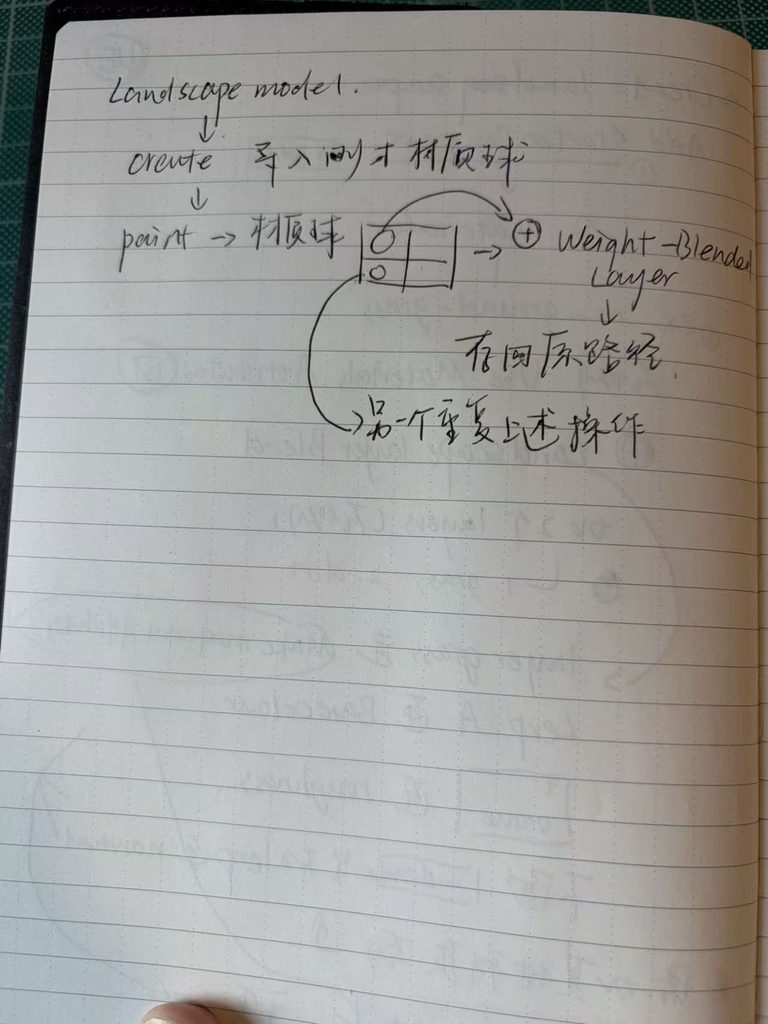
    This week, I mainly worked on sculpting the landscape and applying landscape materials. I also continued refining the scene by adding more details and improving the overall environment.

  • UE Process #1

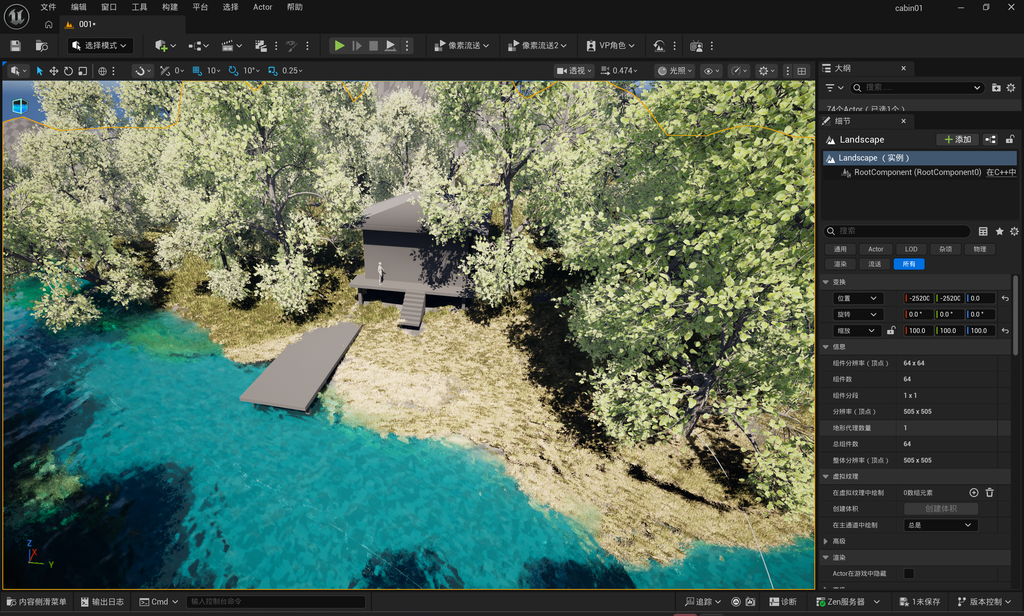
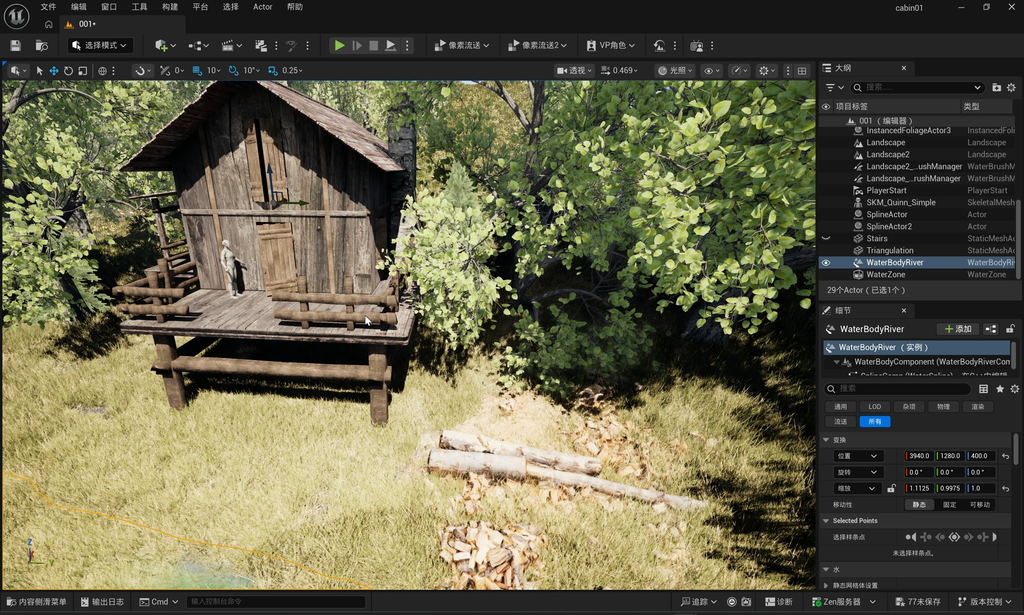
    I continued developing the scene in Unreal Engine by adding vegetation and water, and adjusting their placement around the cabin. At this stage, I am mainly focusing on the overall environment layout before moving on to materials, lighting, and further detail refinement.

  • Material and Texture

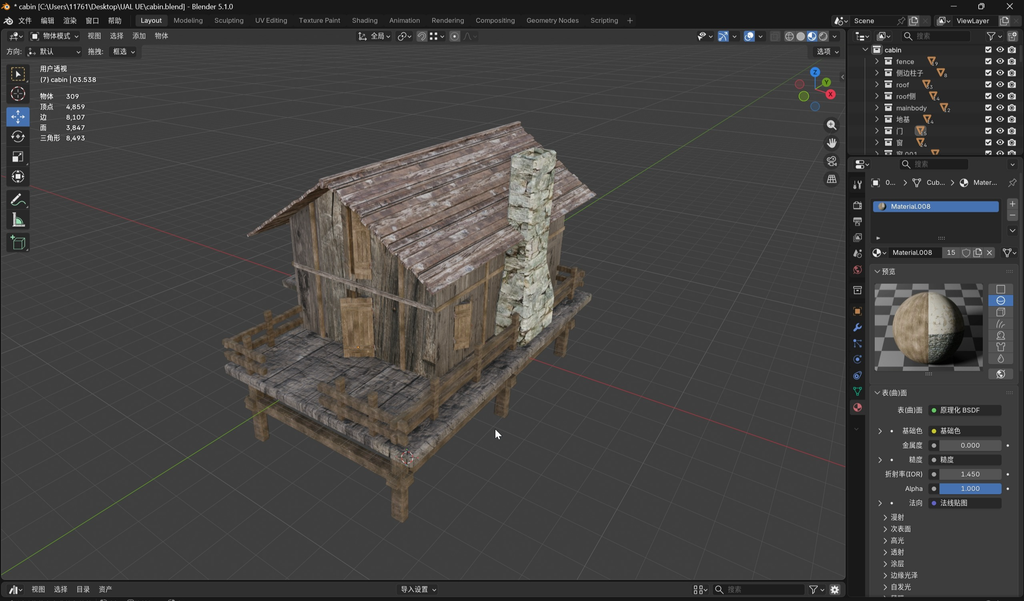
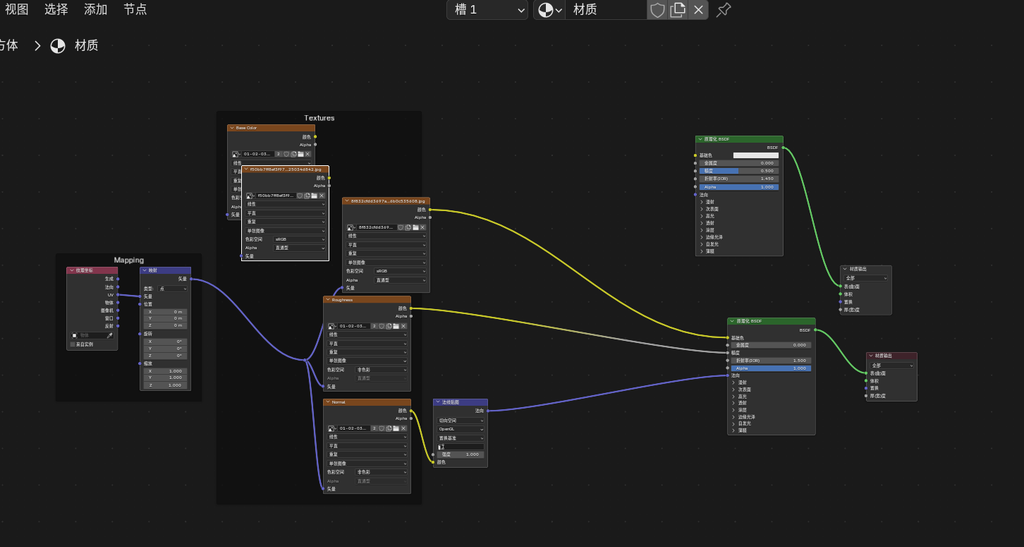
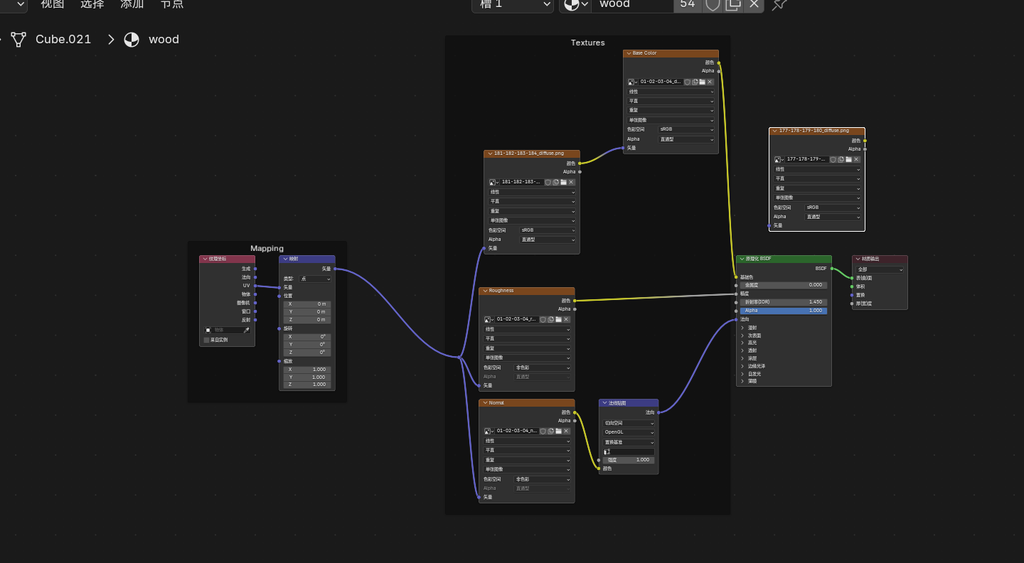
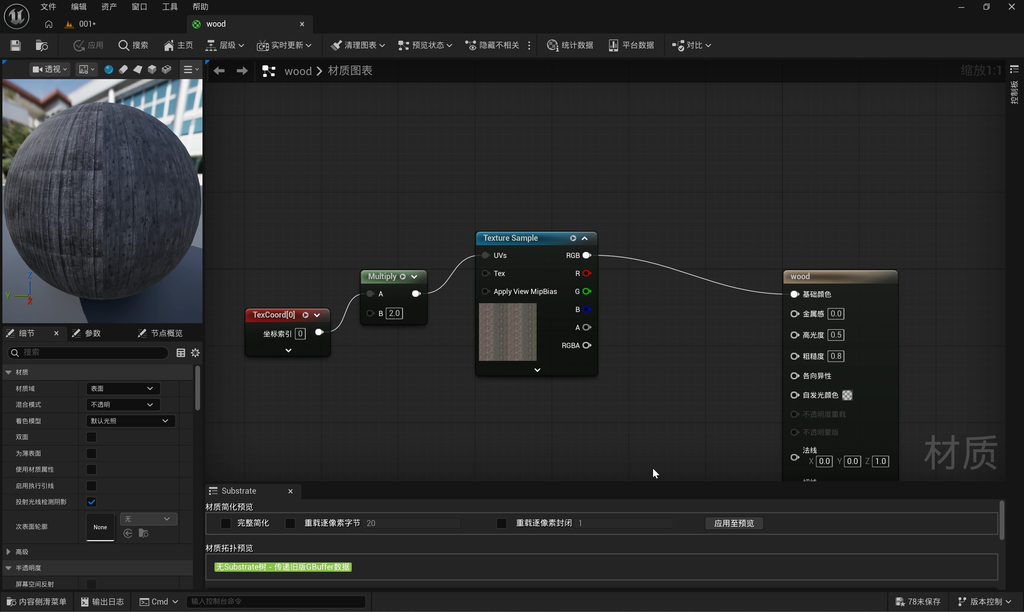
    I used Blender’s shader nodes to create the cabin materials, adjusting the base colour, roughness and normal maps. I focused on making the wooden surfaces look more natural and weathered.

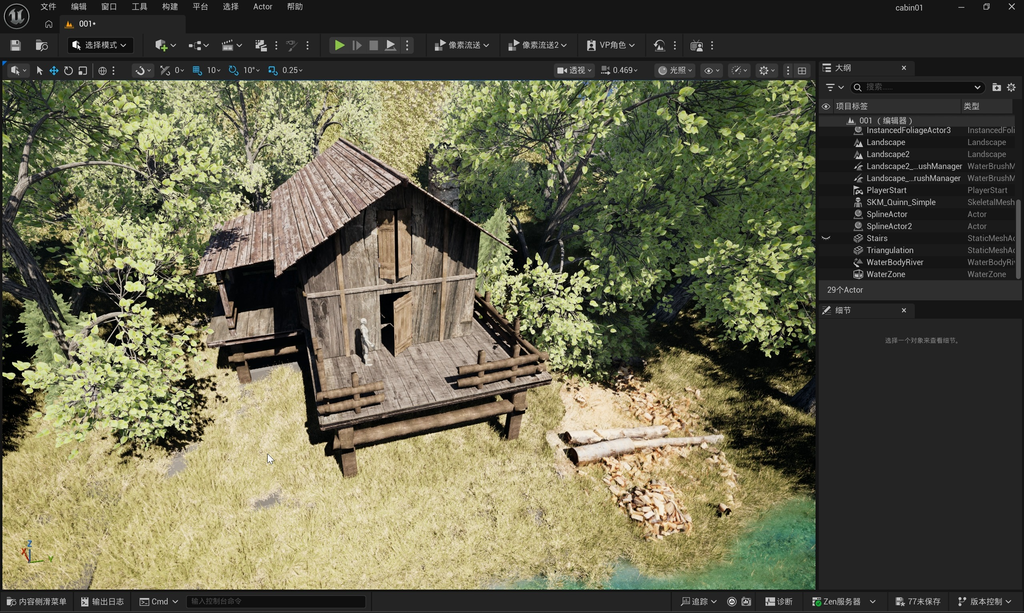
    Imported the cabin model into Unreal Engine and adjusted its materials.

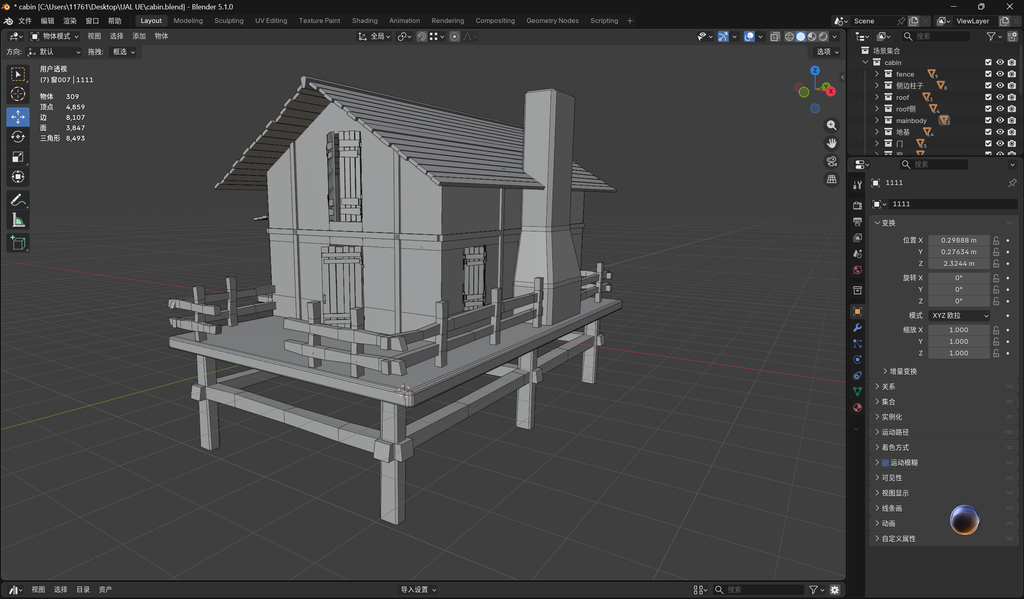
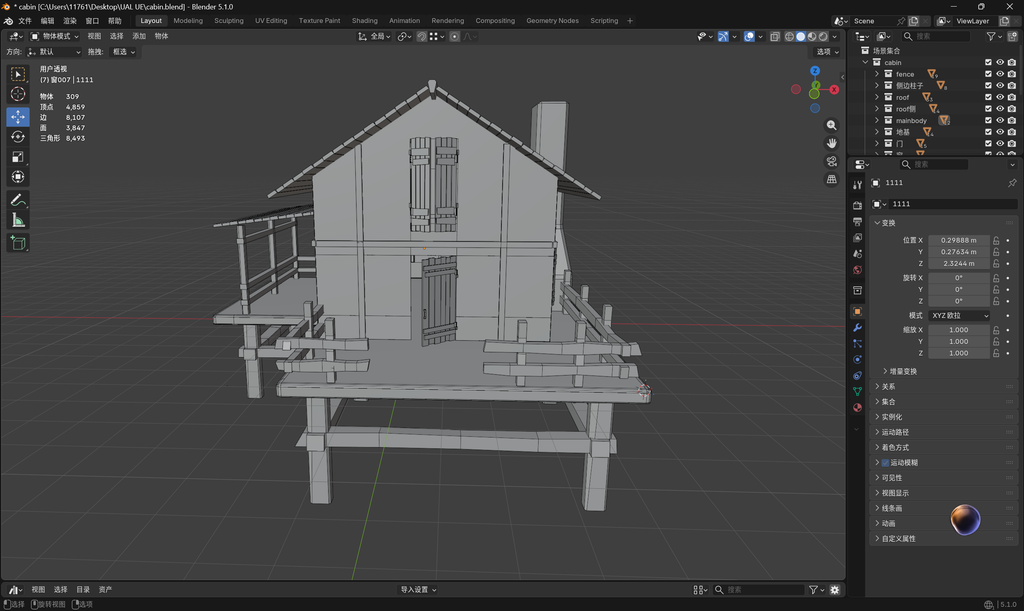
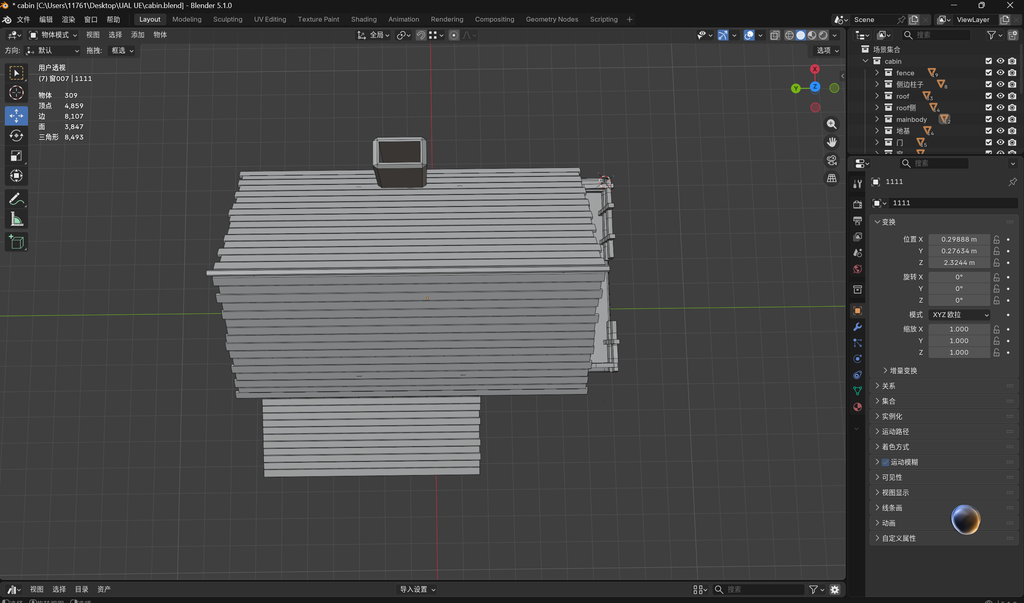
  • Modelling #2

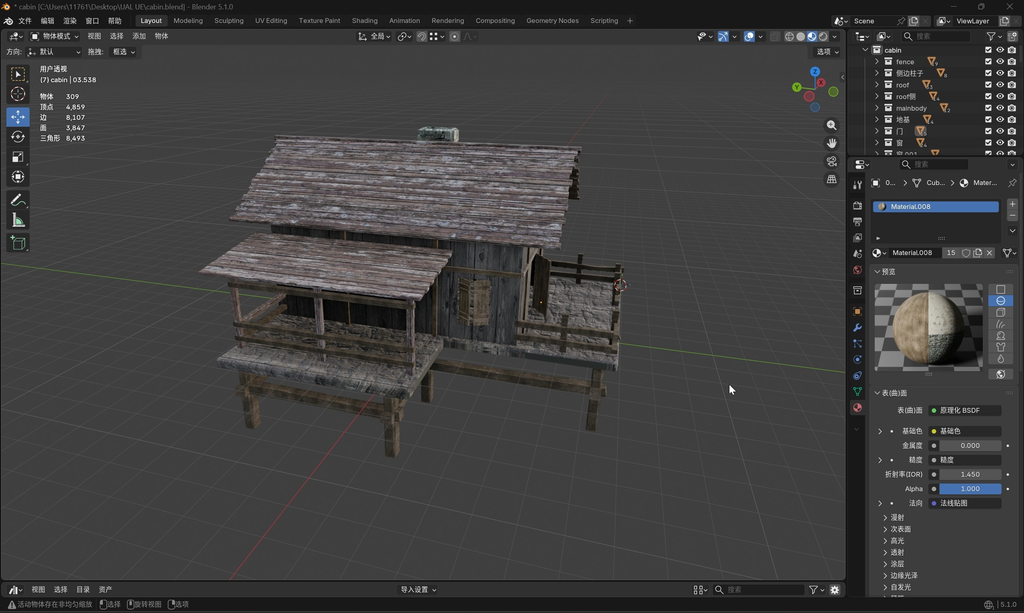
    This week, I mainly worked on the initial modelling of the cabin in Blender. I completed the basic structure and proportions, including the main walls, roof, chimney, window and door openings, platforms, and railings. I also checked the model from different angles and adjusted the overall shape and spatial relationships. At this stage, the focus was on establishing a clear and believable structure before moving on to more detailed modelling, materials, and further refinement.